



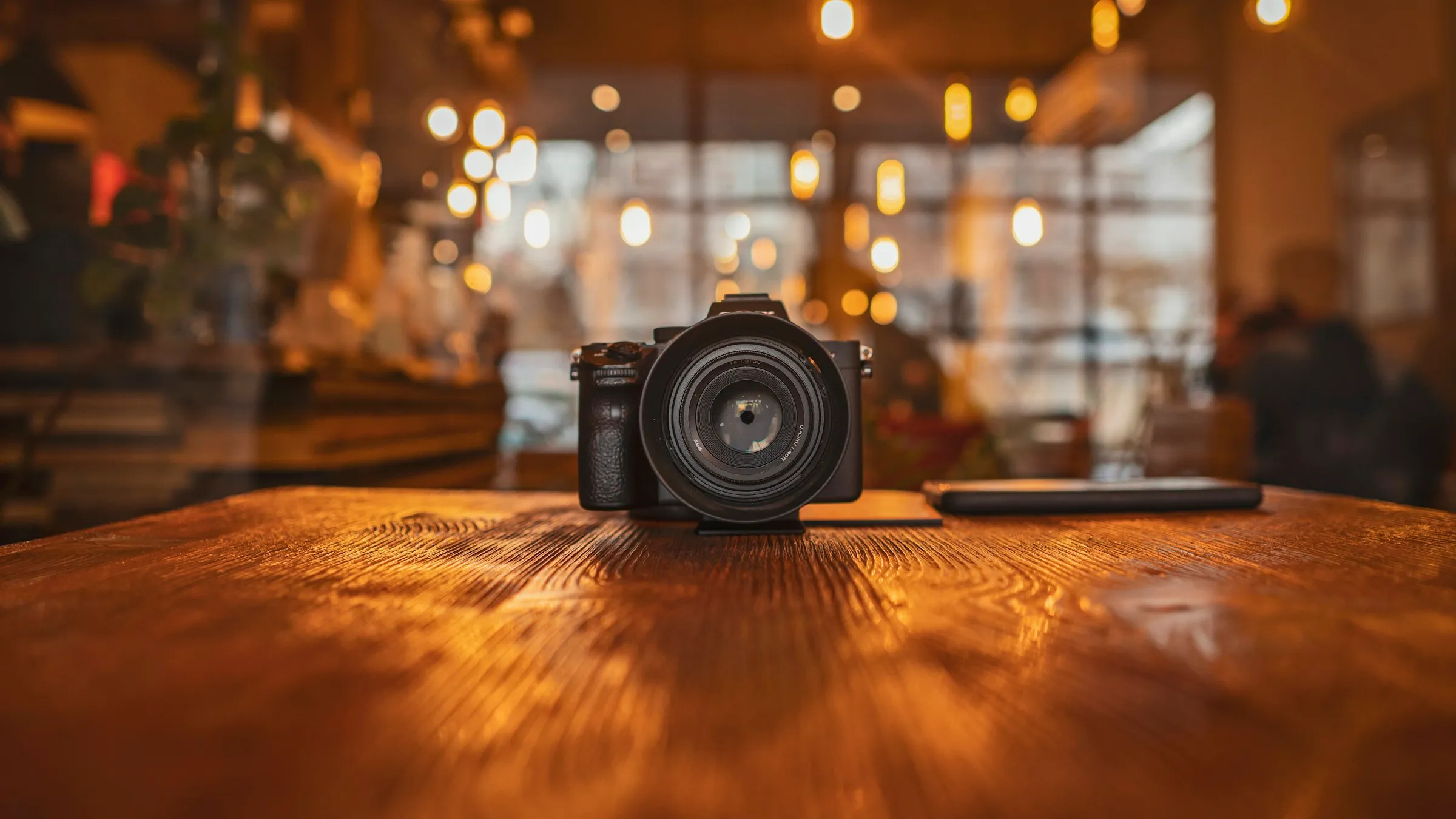
How to get great photos for your business website.
What to photograph for your business website and Google profile, how to hire a photographer, and how to get good results yourself if you need to.

The shot list
Eight photos almost every business needs.
Decide what you need before anyone picks up a camera. Short on time? Start with the five marked Must-have.
 Must-have
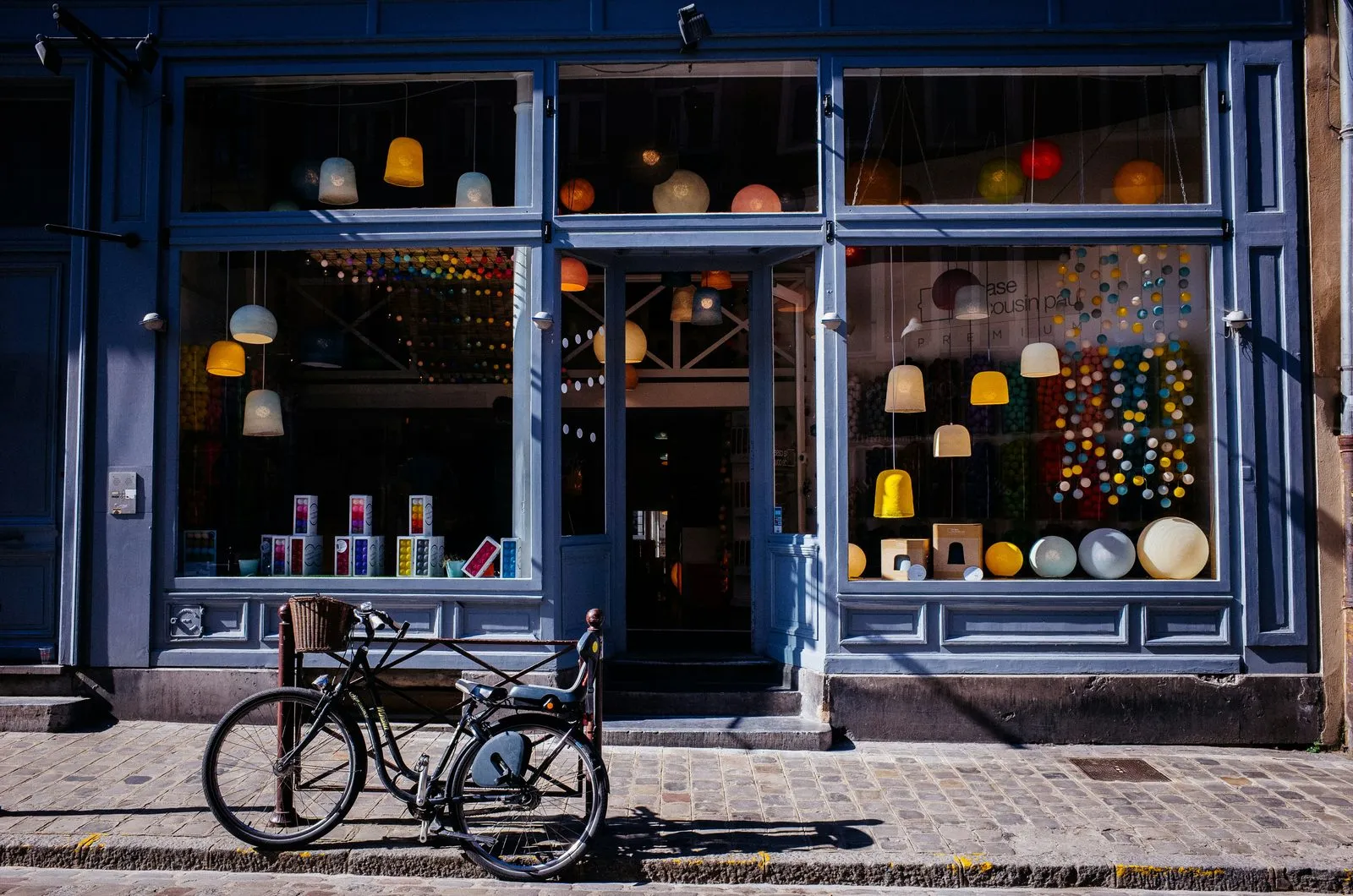
The outside
Your building or entrance, straight on, plus your sign up close.
 Must-have
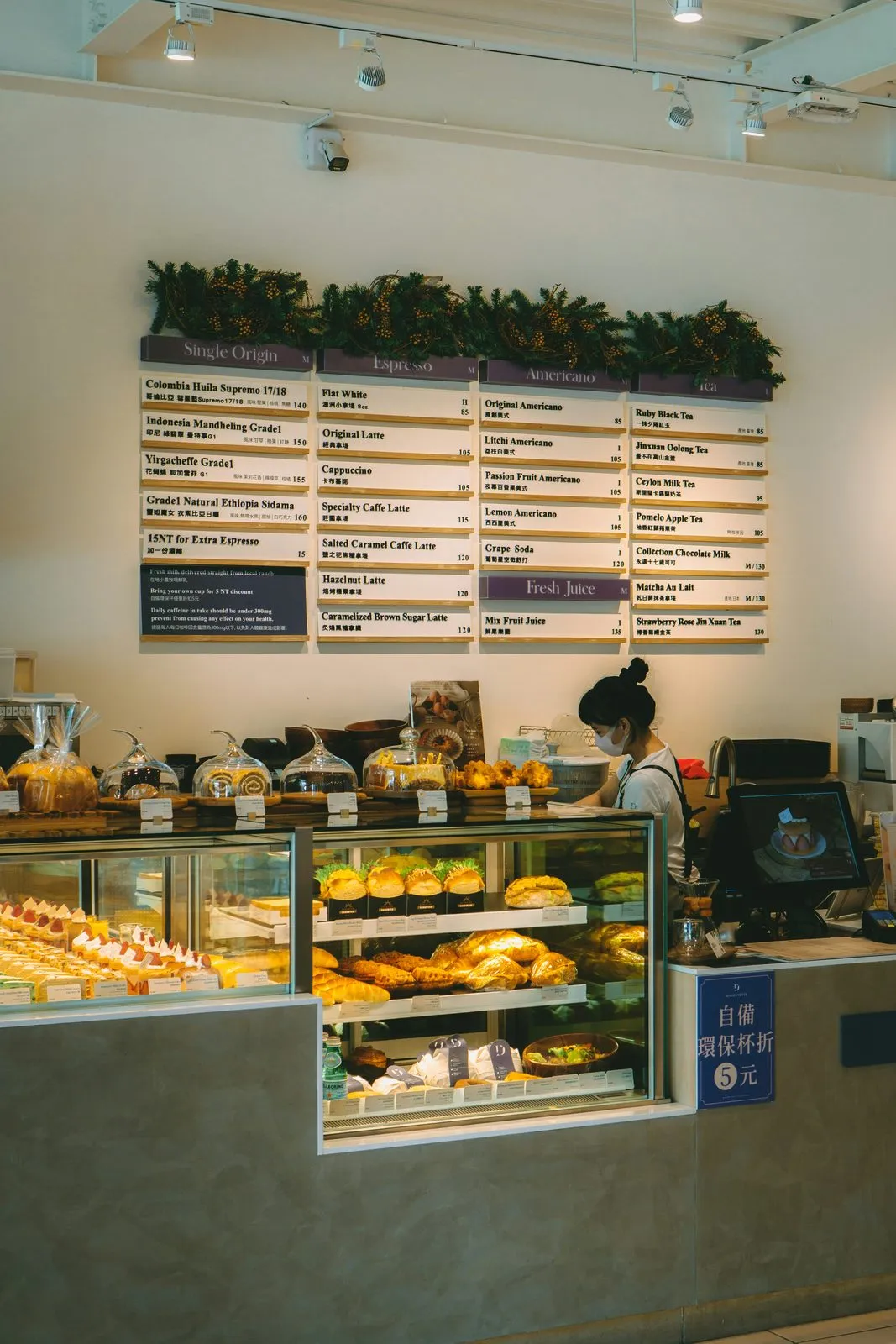
The inside
Your front counter, and the room from a corner.
 Must-have
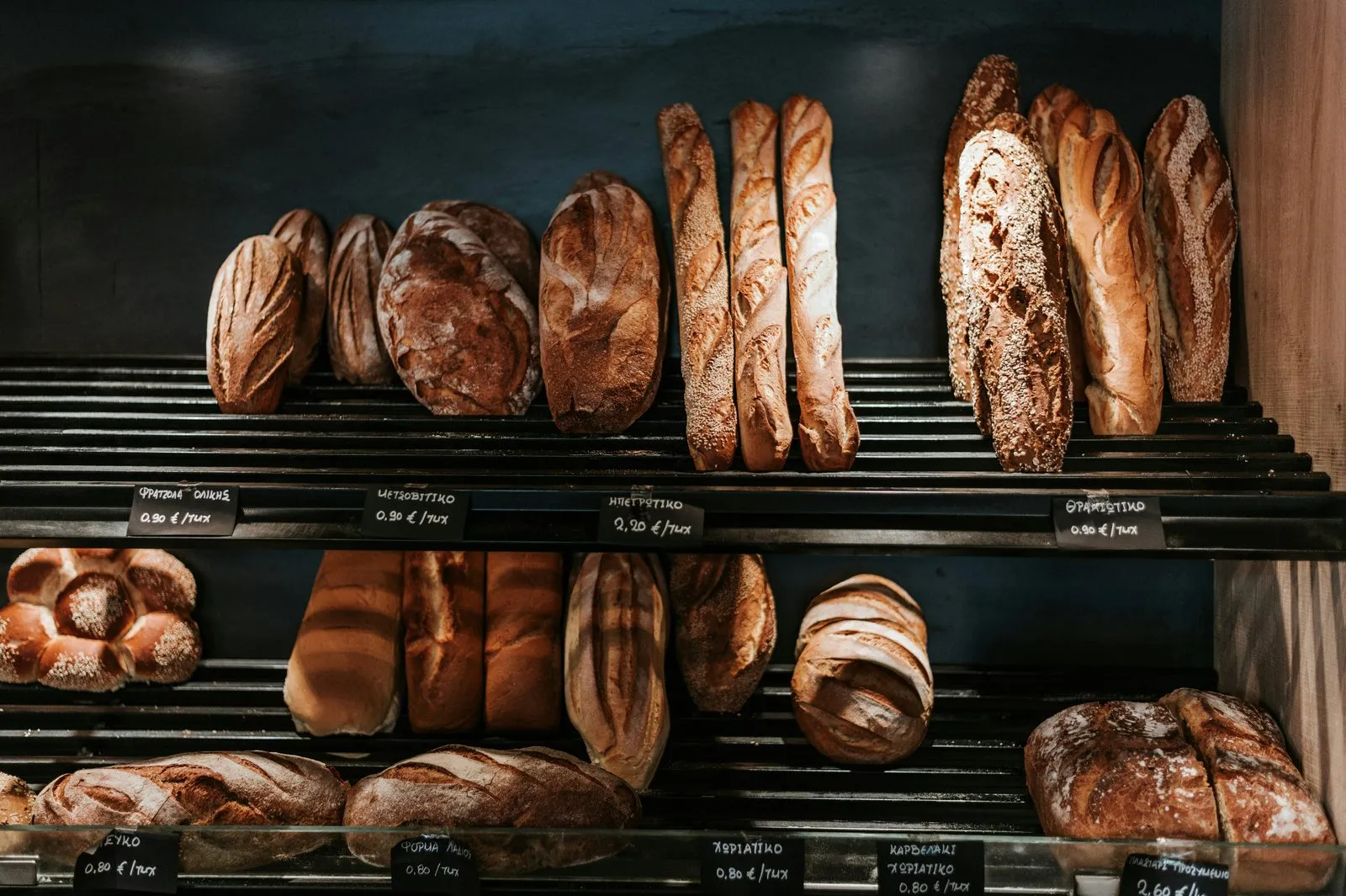
Your work
What you sell or make, close up and from farther back.

Behind the scenes
Hands at work, tools and the process.
 Must-have
The owner
A classic headshot and a relaxed photo at work.
 Must-have
The team
Matching headshots and one group photo.

Details
Awards, your logo, the touches that feel like you.
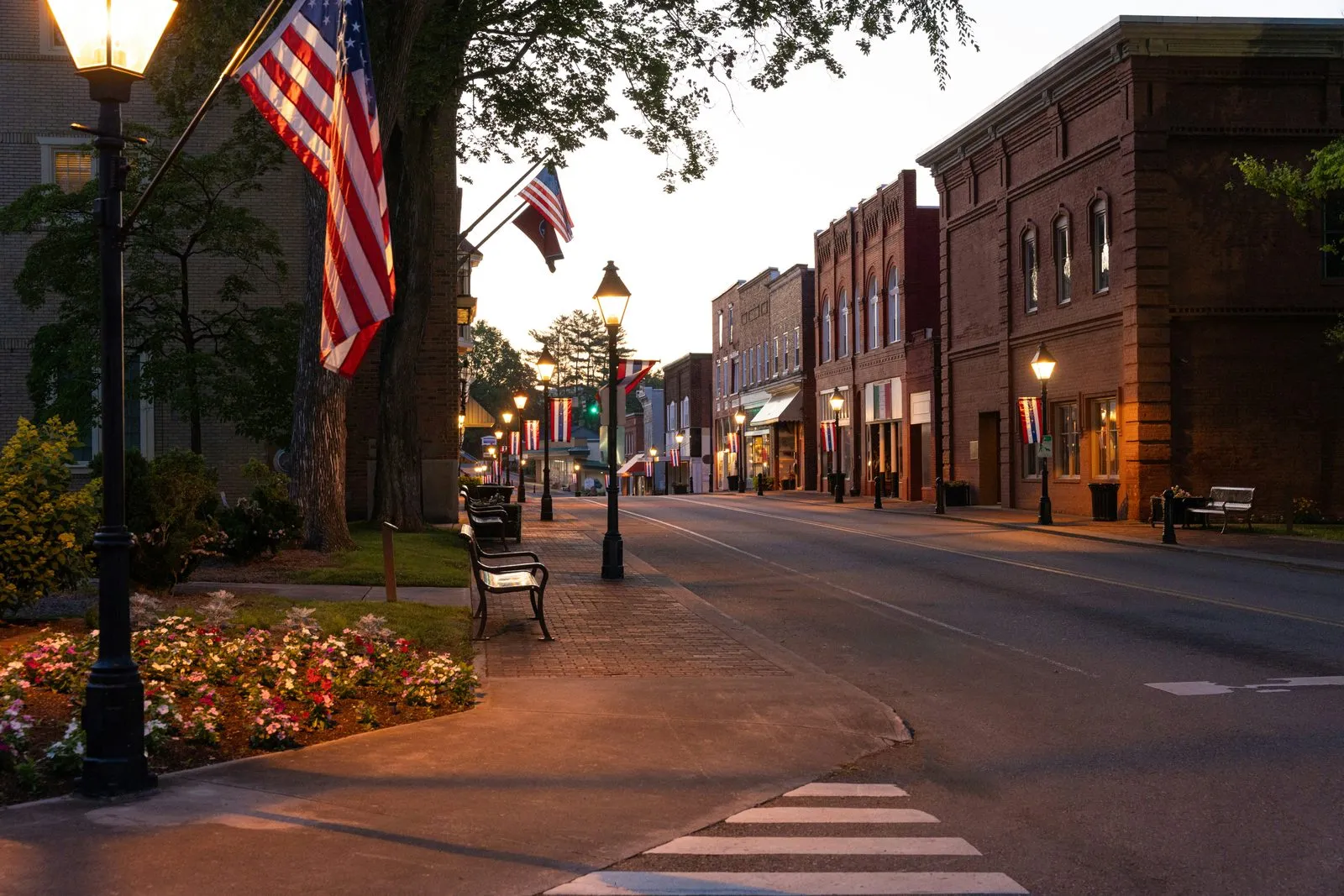
Around town
Your street and a local landmark or two.
Our recommendation
Hire a professional.
A professional photographer gets better light, sharper photos and a consistent look across every shot, usually in a single visit. For most small businesses it's one of the best-value investments in their marketing, because the same photos get used for years.
$300–$650
A typical commercial photography session Source: Thumbtack pricing data, 2025
Your booking checklist
What to ask for
- One visit that covers your whole shot list. Send it to them ahead of time.
- Full-size files in natural color, without heavy filters.
- Both shapes for every setup: sideways and upright.
- Matching headshots with the same backdrop and light for everyone.
- A few video clips if they shoot video. Many do.
- A written usage license for all of your marketing, with no expiration.
Doing it yourself
Six rules that fix most photos.
If a professional isn't in the budget yet, you can still get good results. These fix most of what goes wrong.
- Flash on glass
Lights on, flash off
Open the blinds and turn on every light. Flash causes glare and harsh shadows.
- Tilted camera
Keep it level
Turn on the grid and line it up with a wall or doorframe.
- Wide lens on a face
Wide for rooms, closer for people
A wide lens opens up a room but stretches faces. Step back and zoom in for portraits.
- Clutter everywhere
Tidy first
Cords, bins, sticky notes, paperwork. If in doubt, move it out of the frame.
- Window behind them
Face the window
Light should fall on faces. Turn people toward the window, never away from it.
- Private info showing
Keep private things private
Check screens, paperwork and schedules before every shot.
Also: wipe the lens, take a few of every shot, and shoot each setup sideways and upright.
Where to stand
Three angles that always work.
One setup, three shapes
Shoot every setup sideways and upright.
The same photo gets cropped differently for each place it appears. Give your photographer room around the subject, and grab a few upright frames too. It saves a reshoot later.
- Website bannerWide, 16:9
- Google profileSquare
- Stories & adsUpright, 9:16
16:91:19:16Shoot day
The day of the shoot.
- 1
Before
Get ready
- Share the shot list with your photographer.
- Get a simple photo release signed by anyone who isn't on your team, with a parent or guardian for anyone under 18.
- Tidy up, open the blinds, turn on every light.
- 2
During
Shoot generously
- Take a few of every shot. Someone always blinks.
- Grab some 10-second clips: walking in the door, hands at work, the team waving hello.
- Keep the camera steady and move slowly. Sound doesn't matter.
- 3
After
Share the originals
- Put everything in one shared album: Google Photos, iCloud, Google Drive or Dropbox.
- Upload full-size originals. Texting or emailing photos shrinks them.
- Include the so-so shots too. Sometimes they're the ones that work best.

Quick answers
Common questions about business photos.
Six short answers from this guide. Open any question, and follow its link to the full chapter.
What photos does a small business website need?
Most businesses need eight: the outside of the building, the inside (front counter and main room), your work or products, behind-the-scenes shots of the process, the owner, the team, details like awards and your logo, and your street or a local landmark. If you only get five, start with the outside, the inside, your work, the owner and the team.
Read the chapter: The shot listShould I hire a professional photographer for my business photos?
We recommend it. A professional gets better light, sharper photos and a consistent look across every shot, usually in a single visit, and the photos get used for years. Thumbtack's 2025 pricing data puts a typical commercial photography session at roughly $300 to $650.
Read the chapter: Hire a proWhat should I ask a photographer for?
One visit that covers your whole shot list, full-size files in natural color, every setup shot sideways and upright, matching headshots for the team, a few short video clips if they shoot video, and a written usage license that covers all of your marketing with no expiration.
Read the chapter: Hire a proCan I take my business photos myself?
Yes, if a professional isn't in the budget yet. Turn on every light and skip the flash, keep the camera level, use a wide lens for rooms but not for faces, tidy up first, turn people toward the window, and check that no private information is in the frame.
Read the chapter: Do it yourselfDo I need permission to photograph customers or staff?
Anyone who isn't on your team should sign a simple photo release before the shoot, with a parent or guardian signing for anyone under 18. Team members, their families and hired models are the easiest people to photograph.
Read the chapter: Shoot dayHow should I send photos to my web designer?
Put everything in one shared album, such as Google Photos, iCloud, Google Drive or Dropbox, and upload the full-size originals. Texting or emailing photos shrinks them.
Read the chapter: Shoot day
Made for your business
Want a photo plan built around your marketing?
A salon, a landscaper and a law office need different shots, in a different order, for different customers. For our clients, we build a personalized photo guide with example photos and a shot list tied to their marketing plan, so every photo has a job to do.
Photo credits
All photos are free-license images, used under the Unsplash and Pexels licenses. Thank you to the photographers.
- The outsideTem RyshUnsplash
- The insideRaymond YeungUnsplash
- Your workAngelo PantazisUnsplash
- Behind the scenesCraft KittiesUnsplash
- The ownerKampus ProductionPexels
- The teamKetut SubiyantoPexels
- DetailsGiorgio TrovatoUnsplash
- Around townLand O'Lakes, Inc.Unsplash
- CoverSoheil KmpUnsplash